
Best Lansweeper YouTube Videos and Channels for 2026
Meta Title: Best Lansweeper YouTube Videos for IT Asset TeamsMeta Description: Find the right Lansweeper YouTube tutorials for discovery, license reconciliation, and CMDB feeds. Match videos to your role and verify versions before rollout.Blog Title: Which Lansweeper YouTube Videos Should You Watch for Your Deployment?
You've just inherited an unfamiliar network, and you have a week to map it. Searching Lansweeper YouTube returns product introductions, installation walkthroughs, security webinars, and dashboard tours. Start with the official fundamentals material for your first scan, then choose workflow-specific demonstrations for licensing, vulnerability analysis, or CMDB integration.
The wrong tutorial can waste more time than it saves. An older video may explain discovery clearly while showing menus, deployment components, or reporting steps that don't match your installation.
Choose by the job in front of you, not the thumbnail. New admins need credentials and scan validation; procurement needs defensible software records; SecOps needs reliable asset-to-vulnerability matching. Before following any demonstration, check its publication date, deployment scope, and prerequisites against your own environment.
1. Lansweeper Videos by Role and Deployment Stage
Lansweeper videos cover discovery, asset information, security workflows, and integrations. Choose by role and deployment stage: new admins need scan fundamentals, ITAM and procurement leads need software records they can reconcile, and SecOps analysts need to trace vulnerability findings to assets and remediation.
Which video should a new admin watch before the first scan?
Start with a fundamentals introduction, then follow a discovery demonstration. Learn how targets, credentials, and asset records relate before building dashboards. A useful first session should leave you able to explain why a device was discovered, what information was collected, and which permissions enabled that collection.
The official Getting Started tutorial, published May 24, 2023, runs for 1 minute and 16 seconds. It introduces a fundamentals series covering discovery, visibility, security, and platform modules. Use it for orientation, then reproduce the steps on a small, approved test scope with representative devices.
Check credentials: Confirm authentication succeeds and retrieves the expected hardware and software fields.
Inspect incomplete records: Separate failed discovery from devices that respond but don't provide enough information.
Confirm scan boundaries: Keep excluded networks and sensitive equipment outside the initial scope.
Compare the resulting inventory against trusted records, such as directory data and endpoint-management exports, before relying on dashboard totals.
When is the older product overview still useful?
Use the older overview to understand the inventory model. It explains how discovered devices, installed software, and users relate, but its interface may no longer match your deployment. Skip it for current integration setup or troubleshooting changed menus.
The Lansweeper product-overview video, published May 17, 2022, runs for 1 minute and 44 seconds. It demonstrates automated discovery and shows device-specific hardware, installed-software, and user information.
That context can help when explaining the platform to a service-desk manager or procurement stakeholder. For current configuration steps, check the menus and architecture in your own environment. Agentless discovery still depends on credentials, network reachability, remote-device coverage, and scan scheduling.
What should an ITAM or procurement lead watch for license reconciliation?
Choose software-license and audit-readiness material that shows how discovered installations become a reviewable license position. You'll need entitlement records, normalized product details, usage context where available, and the licensing rules that apply to your agreements. Installation counts alone won't answer those questions.
The Lansweeper help-desk and asset-management video demonstrates collecting asset, software, and user information and linking tickets to assets. Those relationships can help identify device ownership, operational status, and who can authorize removal.
Test the workflow with a software family that has ambiguous editions or overlapping installations.
Normalize product names: Check whether versions, editions, and publisher variants remain distinguishable.
Attach entitlement evidence: Keep purchase records and contractual rights separate from discovered installations.
Review exceptions: Investigate retired devices, duplicate records, and installations awaiting removal before making renewal decisions.
Use the inventory as evidence for license analysis, then compare it with entitlements and the metrics in your agreements before drawing compliance conclusions.
Which videos help SecOps validate vulnerability workflows?
Look for demonstrations that connect a vulnerability finding to a specific asset and an accountable remediation process. Check whether the product match, version, and inventory freshness are clear, and how analysts handle uncertainty before automating responses.
The Lansweeper technical enablement session describes discovery across IT, OT, IoT, and public-cloud environments, with security workflows linking high-risk CVEs to automated response processes.
During evaluation, select a known software installation and trace it through inventory, vulnerability matching, assignment, remediation, and rescan. Confirm that an updated asset no longer appears vulnerable because of stale software data.
Before enabling automation, confirm that the inventory evidence supports the action.
For SecOps, prioritize reliable matching and explainable exceptions over dashboard appearance.
What should OT and hybrid-environment teams verify?
Use specialized discovery demonstrations when your estate includes industrial equipment, cloud resources, or transient devices. Involve the owners of those environments before reproducing scanning steps; an office-network walkthrough won't show whether discovery is safe or complete for their systems.
The Lansweeper OT scanning demonstration, published April 29, 2024, identifies programmable logic controllers, industrial-control-system equipment, flow meters, card scanners, and security cameras. It shows fields including manufacturer, model, serial number, and firmware version.
Use those fields as acceptance criteria. Check whether the tutorial demonstrates device identification or only shows that a device responds on the network.
For broader estates, Lansweeper's Discovery platform explanation describes active and passive discovery alongside cloud inventory. Compare those methods with your architecture and check for remaining blind spots.
Remote endpoints: Test visibility when devices aren't connected to the corporate network.
Cloud resources: Verify account scope, permissions, identifiers, and deleted-resource handling.
Transient assets: Check whether short-lived devices appear with useful identity and freshness information.
Which tutorial matters when Lansweeper will feed your CMDB?
Choose integration walkthroughs that show identity matching, field ownership, updates, and retirement handling. Agree on destination record types and reconciliation rules before synchronization. Preserve service ownership and business relationships instead of allowing discovery data to overwrite them indiscriminately.
Use Stackingo's Lansweeper Power BI reporting guide when planning reporting alongside the operational feed. Keep reporting transformations separate from authoritative inventory and CMDB reconciliation logic.
For comparison, SuperOps Asset Management combines automated discovery, lifecycle tracking, policy enforcement, and built-in cross-platform MDM. It suits a different workflow: endpoint control for MSPs, rather than a discovery layer alongside existing ITSM tools.
How should you verify timestamps and release dates?
Check the upload date, demonstrated interface, and feature release status before following a procedure. A recent upload may contain older footage, so confirm that the menus and components match your environment. Save timestamps for the steps you need to revisit.
Identify the environment: Note whether the presenter uses an on-premises interface, a cloud site, or connected components.
Compare terminology: Match menu labels and discovery components against your installation.
Check release status: Distinguish generally available functionality from previews and beta features.
Record the test: Keep the tutorial title, publication date, relevant timestamps, and your test result in deployment notes.
For emerging capabilities, Lansweeper's Spring 2026 release explanation places Traffic Sensor and Lansweeper Lens Chat in open beta and describes AI-usage tracking. Assess privacy, retention, access controls, and false positives before using these capabilities in production.
How Lansweeper compares on category, fit, and buying terms
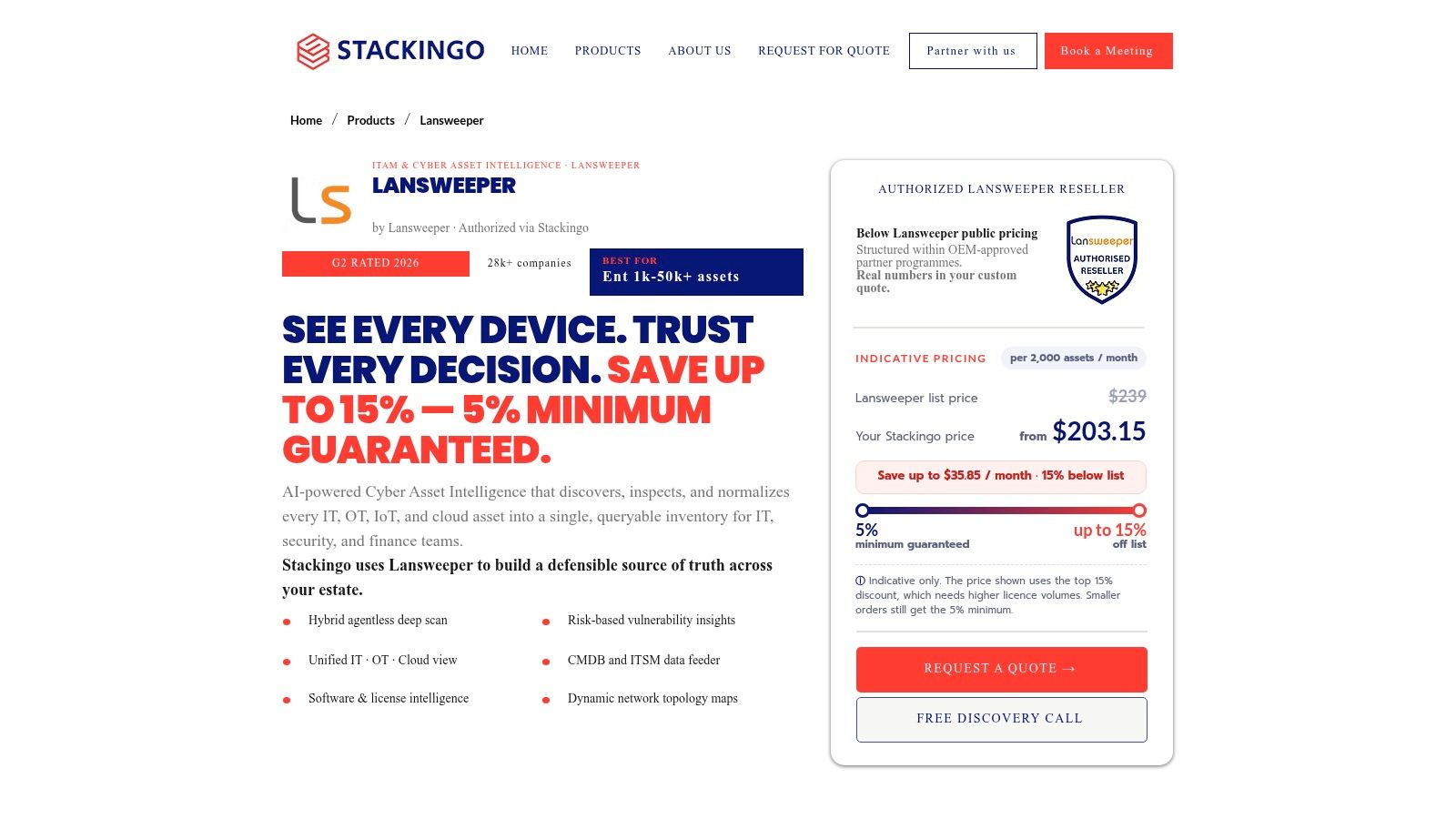
Lansweeper sits in the IT asset management category, with a focus on consolidating IT, OT, IoT, and cloud asset inventory. For procurement, compare the licensing metric against the inventory you expect to manage: confirm what counts as an asset, how additions or removals affect the count, and whether the quoted scope covers every environment you plan to scan.
Ask for the quote to show the metric, included asset volume, billing period, and any assumptions about scope. Per-asset, per-device, and per-user pricing produce different totals, so compare offers only after those terms are clear.
Turn Video Learning into a Working Lansweeper Deployment
A video can show a successful scan while leaving software reconciliation unresolved. Match each tutorial to the work at hand: new admins should check discovery coverage, ITAM and procurement leads should examine normalization and entitlement handling, and SecOps analysts should follow findings through remediation.
Test the steps in a limited environment and record what worked, what differed, and what remains unresolved. Keep scan errors, incomplete records, and reconciliation exceptions; they help define the deployment requirements.
For example, if discovered software records do not match the entitlements used in a reconciliation review, document the unmatched records and the expected result. That gives procurement a specific workflow to include in a demonstration.
Buying advice: Ask for a demonstration of your hardest workflow, not another overview of the easiest one.
Before licensing discussions, write down the expected asset scope, discovery methods, integration destinations, reporting requirements, and security constraints. Ask which capabilities are included in the proposed package and which depend on additional components or feature maturity. Request a quote for one defined deployment scenario, with assumptions and exclusions stated.
Stackingo gives enterprise buyers an RFQ-led way to compare multi-vendor licensing options against the workflows they have tested. Visit Stackingo with your Lansweeper asset scope, integration requirements, and deployment questions to request a structured licensing quote.


