
Lansweeper PowerShell Integration: Practical Guide
You're usually reaching for Lansweeper PowerShell because the UI has stopped being enough. Maybe you're reconciling an acquisition, cleaning up stale assets after a merger, or trying to turn a manual export into something that doesn't break every time someone changes a filter. In a mixed estate, the choice isn't whether to automate, it's which access path fits your deployment model: direct SQL for classic on-prem reporting, the newer API for supported object access, or portable discovery for awkward endpoints.
The mistake I see most often is treating PowerShell like a single feature bolted onto Lansweeper. It's not. It's a governance layer over discovery, reporting, and remediation, and the wrong layer choice makes the script brittle before it even leaves your test OU.
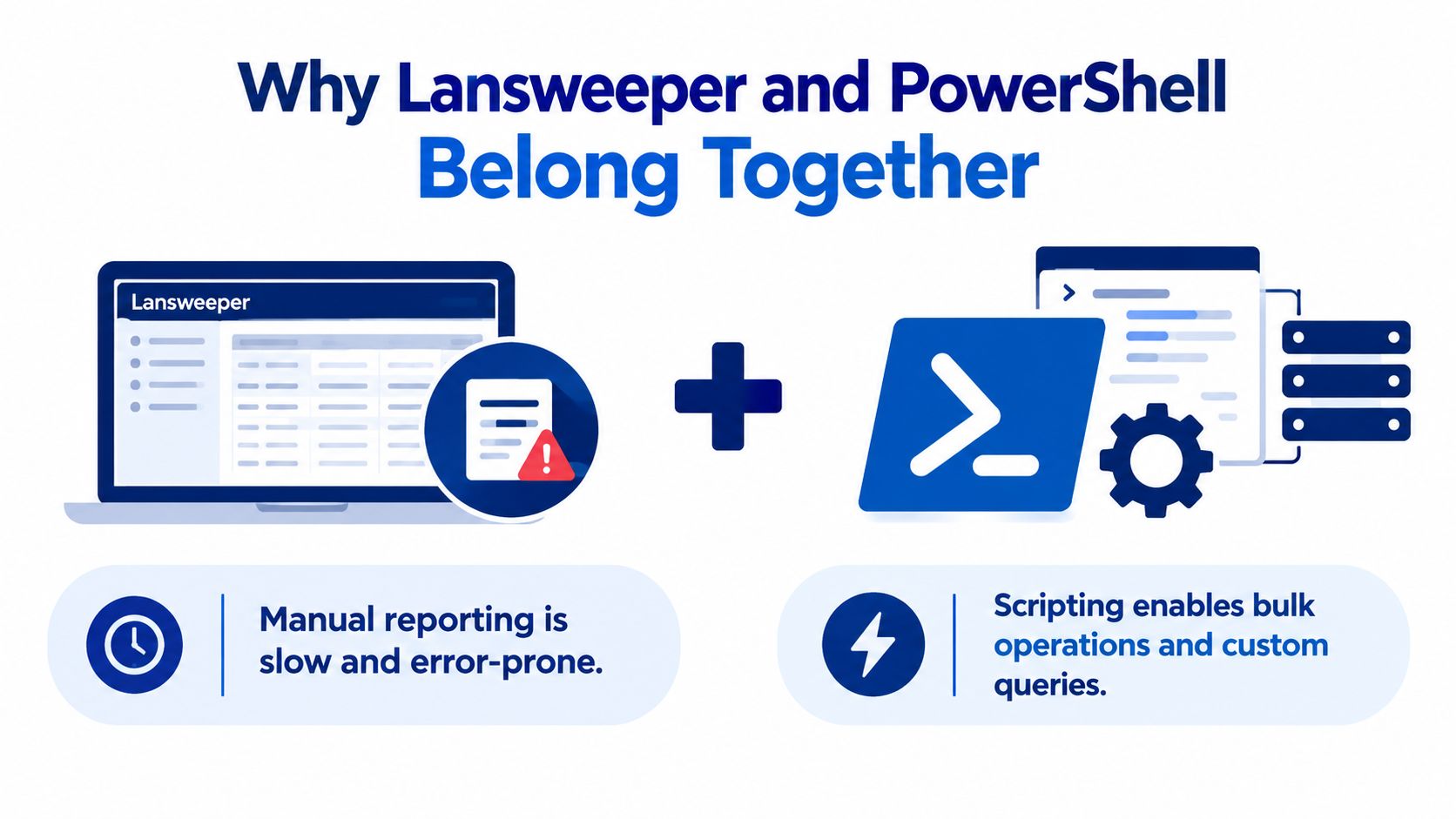
Why Lansweeper and PowerShell Belong Together
Mixed estates force hard decisions fast. If you're running Lansweeper Classic in one place and moving other teams to cloud, manual reports start drifting apart because different operators export different fields, at different times, with different assumptions. PowerShell becomes the common control plane, but only if you pick the right data path up front.
The decision starts with access, not scripting
If you start with the script before you start with the access model, you'll usually rebuild the script later. That's because Lansweeper PowerShell can mean very different things in practice, depending on whether you're reading SQL, calling an API, or scanning endpoints through WinRM and discovery tooling.
Practical rule: choose the access path first, then write the report second.
The fast way to think about it is simple:
Access Path | Best For | Main Risk |
|---|---|---|
SQL direct access | Deep on-prem reporting and one-off audits | Schema coupling and fragile assumptions |
API access | Supported workflows that should survive product changes | Limited surface area, possible throttling |
Portable discovery | Hard-to-reach or unmanaged Windows assets | Operational handling and file transfer steps |
For teams that still rely on the classic product, there's also a hard boundary to respect. Community-built modules appeared early, but the history there shows how often practitioners had to work around the database rather than through a formal integration path. If you want a broader product view, keep your reference model close to your internal Lansweeper overview and stop assuming every environment should be scripted the same way.
SQL Direct Access vs the Lansweeper API
The on-premises pattern has always been the blunt instrument, direct SQL. It works because it gives you complete visibility into the asset store, and it works fast when you know exactly what table and field you need. The problem is that it also couples your script to the database shape, which is where most automation rot starts.
When SQL is the right tool
SQL makes sense when you need a narrow, controlled pull for an audit, a renewal cleanup, or a one-time reconciliation. It's especially useful when a DBA is already involved and you can keep the query read-only. The catch is that a report that depends on table names and implicit relationships can break without warning when the schema changes.
That's why I prefer SQL for short-lived, well-scoped jobs, not as the foundation for a long-term integration. If the workflow needs to survive platform changes, the supported API path is the safer default.
When the API is the better fit
The newer API path is the one you want when the workflow has to live beyond the quarter. It's versioned, supportable, and object-based, which makes it far easier to pipe into PowerShell without reverse-engineering the underlying tables. You lose some raw flexibility, but you gain much better supportability and a lower maintenance burden.
A practical way to choose between them is to ask three questions:
Will the script outlive a schema change? If yes, prefer the API.
Do you need fields the supported interface doesn't expose? If yes, SQL may be unavoidable.
Is security review part of the rollout? If yes, the supported interface will usually be easier to defend.
Keep SQL for controlled exceptions. Keep the API for anything you expect to maintain.
The internal decision here matters more than the syntax does. If your team is standardising on a change log and release process, tie that discipline to your Lansweeper change tracking so the integration path is documented alongside the report itself.
Setting Up WinRM over HTTPS for Lansweeper Scanning
Remote collection fails more often because the transport is incomplete than because PowerShell itself is broken. For Lansweeper PowerShell scanning, the working path is WinRM plus HTTPS, not just a checkbox that says remoting is enabled.
Build the connection in the right order
Start with the WinRM service, then create the remoting capability, then bind a certificate to the HTTPS listener, then open inbound TCP 5986, and only then test. On a target machine, the normal sequence is:
Install or assign the certificate
Create the WSMan HTTPS listener
Allow inbound TCP 5986 in the firewall
Run
That order matters because a reachable firewall port doesn't prove the listener exists. I've seen too many scans fail because someone opened the port, assumed that meant remoting was done, and never checked the certificate binding or trust chain.
The production preference is to use a certificate from your organization's PKI, not a quick self-signed placeholder. Lansweeper documents a self-signed pattern for the listener, but in real enterprise networks you want the target FQDN and certificate trust to line up cleanly before the scan window starts. The internal RPC troubleshooting guidance is also useful when remoting looks healthy but the scan still dies halfway through.
What usually breaks first
The common failure modes are predictable:
Firewall only opened: TCP 5986 responds, but WSMan still fails because there's no listener.
HTTP used by accident: remoting works one way, but the scan expects HTTPS.
Certificate mismatch: the name on the cert doesn't match what the scanner resolves.
Credential mismatch: the remoting path is there, but the account can't authenticate.
Don't treat WinRM as a single switch. It's a service, a listener, a certificate, a firewall rule, and an auth path.
If the endpoint is awkward, don't force the standard scan path. Use the portable discovery workflow instead, because it gives you a separate on-demand collection path without pretending every machine is equally reachable.
Querying Assets and Returning Structured Objects
Once the transport and access model are in place, the script should stop looking like a spreadsheet import. Return objects, not text. That's the difference between a quick report and a reusable automation pipeline.
Use a read-only query that fits the job
A practical pattern is a parameterized function that accepts a SQL instance name, opens a read-only connection, and selects only the fields the report needs. The safest habit is to keep the query narrow and return structured PowerShell objects that downstream code can filter, group, and export without re-parsing CSV.
For example, the flow should look like this:
Connection: use Integrated Security when your service account policy allows it.
Query: select only the asset columns you need from the relevant asset tables.
Execution: preserve types instead of flattening everything into text.
Output: emit objects, not strings.
That object-first pattern matters because it lets you reuse the same function for renewals, warranty checks, or software ownership mapping. It also makes exception handling cleaner, because you can inspect the target object that failed instead of trying to decode a file export later.
A second useful pattern is the custom-field lookup style seen in module-based workflows. If your environment stores user-maintained metadata, expose that data as properties on the returned object rather than burying it in a separate export. That keeps joins visible and makes the downstream logic much easier to maintain.
Schema assumptions are the part that age the worst. If your query depends on a table relationship nobody documented, schedule time to re-verify it.
The most reliable teams usually separate the query from the presentation layer. The query returns PowerShell objects, the report generator formats them, and the recipient gets the output they need without the script becoming a brittle one-off.
Exporting Reports and Scheduling Automation
The moment a report leaves your shell session, you need to think about delivery. The useful pattern is a nightly job that exports clean output for stakeholders, plus a manual path for one-off investigation when the report needs a human to react.
Make the report readable before you automate it
If you're handing results to procurement, operations, or platform owners, format the data into something they can use without opening a raw export. A structured spreadsheet export is often enough, especially when it's generated from the same object pipeline you use for ad hoc queries. That keeps the logic in one place and the presentation in another.
For scheduled execution, a managed service account or equivalent controlled identity is the right default. Run the script on a schedule, log the target and outcome, and make the output path predictable so the recipient knows where the report lands every time.
Use the right remote execution mode
There's a big difference between interactive and one-shot remote execution. If a human needs a shell to stay open, with keeps the window available. If the job should run and finish, is the cleaner choice. Mixing them up creates messy troubleshooting and makes exit-code handling harder than it needs to be.
For difficult endpoints, the documented portable discovery path is the better fallback. It runs on Windows without installation, can create a discovery file, and gives you a practical option for assets that don't behave like normal managed endpoints. That's the path I'd use when the machine is present, but the standard scan path isn't dependable.
The right pattern is simple:
Report export: use your object pipeline to produce readable output.
Scheduled run: execute under a managed identity.
Interactive remediation: use a session when a human must stay in control.
Automated remediation: use one-shot commands and capture the result.
If you're tying reports into other operational workflows, keep the handoff clean and documented. The same discipline applies when you connect inventory to ticketing and service workflows, because the report is only useful if the receiving team trusts the data and the timing.
Security, Least Privilege, and Error Handling
A script either passes a security review or gets blocked. Lansweeper PowerShell can run without admin rights, but only when endpoint permissions are designed with that in mind.
Build least privilege as a reusable policy
The documented model depends on PowerShell 5.1, membership in groups such as Distributed COM Users and Event Log Readers, read and method-execute access to specific WMI namespaces, DCOM and service-manager permissions, registry and service access, and firewall allowances for WMI, DCOM, WinRM, and ICMP. That is a real permission profile, and it has to survive reboot, policy refresh, and normal endpoint churn.
Deploy it through startup GPO or another controlled policy mechanism, then validate it on a pilot endpoint before you expand it. A reboot test matters because permissions that work right after a manual change can disappear later if they were not applied persistently.
If your identity side runs on Entra ID, the internal guidance on Lansweeper and Azure AD covers how directory permissions interact with the scanning account.
Handle failure like a workflow, not a surprise
Good error handling is boring in the best possible way. Wrap remote operations in try/catch, log the target, command, and exit code, and stop retrying the same dead endpoint forever. If a machine fails repeatedly, mark it and move on so one broken box does not block the rest of the inventory job.
A practical rollout sequence looks like this:
Pilot first: test on a representative subset.
Apply policy: push the permission script through startup GPO.
Reboot once: verify the rights persist.
Run a remoting test: confirm succeeds.
Scan the endpoint: validate actual discovery data.
Expand gradually: move by OU or site.
The main pitfall is assuming remoting success equals full discovery success. It does not. WMI ACLs, DCOM launch rights, SCM access, and cross-subnet firewall rules can still block specific data classes even when the session opens cleanly.
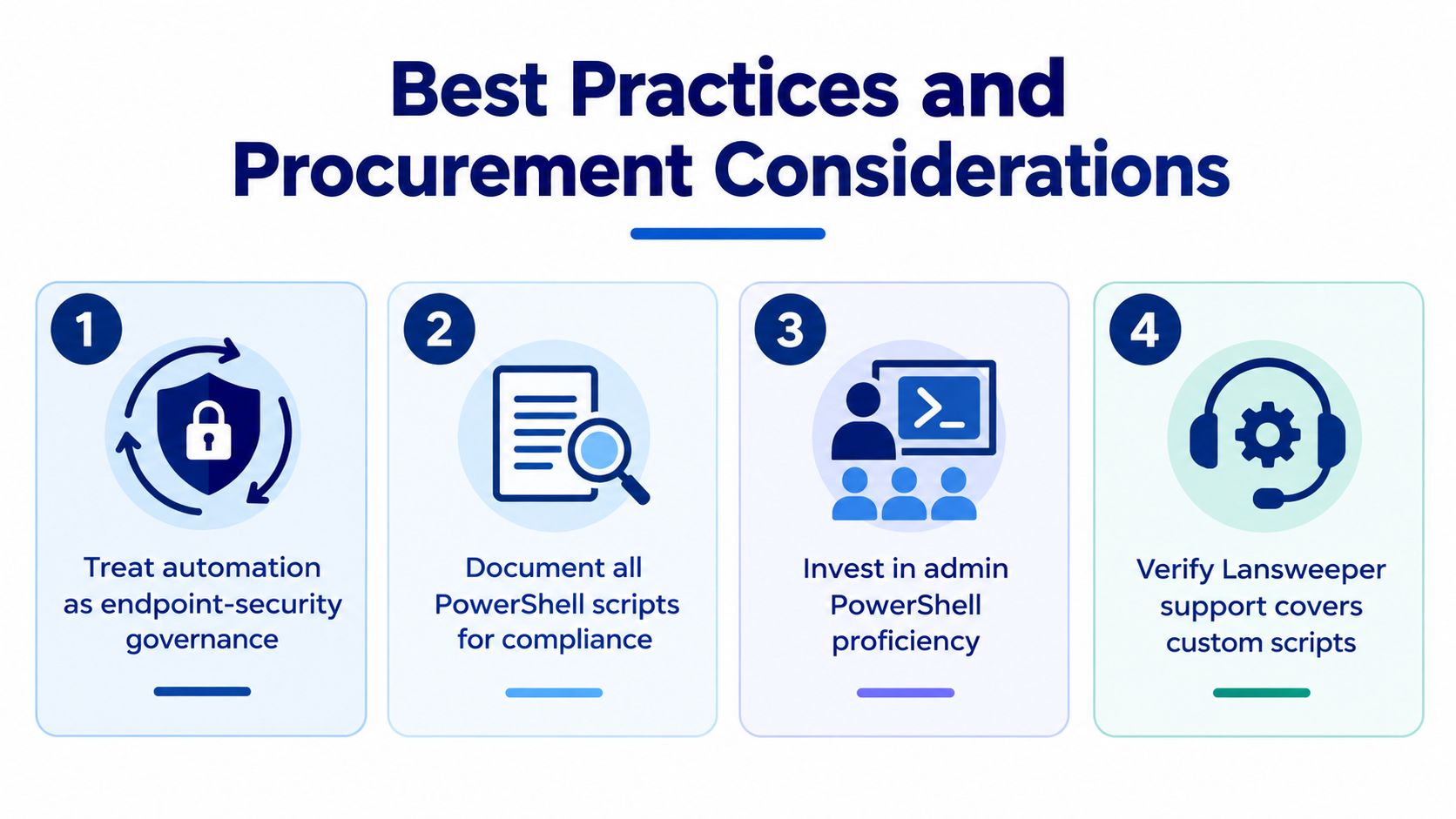
Best Practices and Procurement Considerations
PowerShell automation only looks technical on the surface. In a real enterprise, it becomes part of endpoint-security governance, auditability, and renewal readiness. That's why the questions procurement asks matter just as much as the code your admins write.
Ask for the integration model, not just the license
If you're evaluating Lansweeper as part of a broader ITAM stack, ask the reseller which access path is supported in the deployment model you're buying. A script that depends on direct SQL might work today and become fragile after a product update, while a supported API path is easier to defend in review and easier to standardise across subsidiaries.
You should also ask what happens to existing scripts when the schema changes, whether the implementation scope includes WinRM rollout, and how custom PowerShell is handled during support escalations. Those aren't edge cases. They're the things that determine whether automation survives the next audit cycle.
Treat PowerShell as part of the control plane
The best operations teams document who owns the script, which service account runs it, where it writes logs, and how it's rolled back. That sounds basic, but it's the difference between a trusted automation layer and a collection of one-off admin tricks. If your environment has mixed maturity, align the inventory workflow with the same vendor and procurement discipline you'd use for ITSM, identity, or endpoint platforms.
I'd also keep one practical rule in mind. Use the supported path whenever the workflow is meant to last, and reserve the brittle shortcut for short-lived audits with eyes open about the risk. That's the architecture choice that prevents a simple report from turning into a maintenance burden six months later.
If you want a cleaner way to buy, compare, and standardize the stack around Lansweeper and the tools that sit beside it, visit Stackingo. You'll get a commercial front for enterprise licensing conversations, which makes it easier to keep automation, procurement, and governance moving in the same direction.